Warehouse operations

Stock in.
Orders out.

Receive, pick, and sell from one calm floor. The count, the queue, and the racks stay in the same place.

Main floor

Today’s pulse

Open
Stock units
128
Low
3
Out
1
  • In stock
  • In stock
  • Low
  • In stock
  • Out
  • In stock

What the floor needs in one day

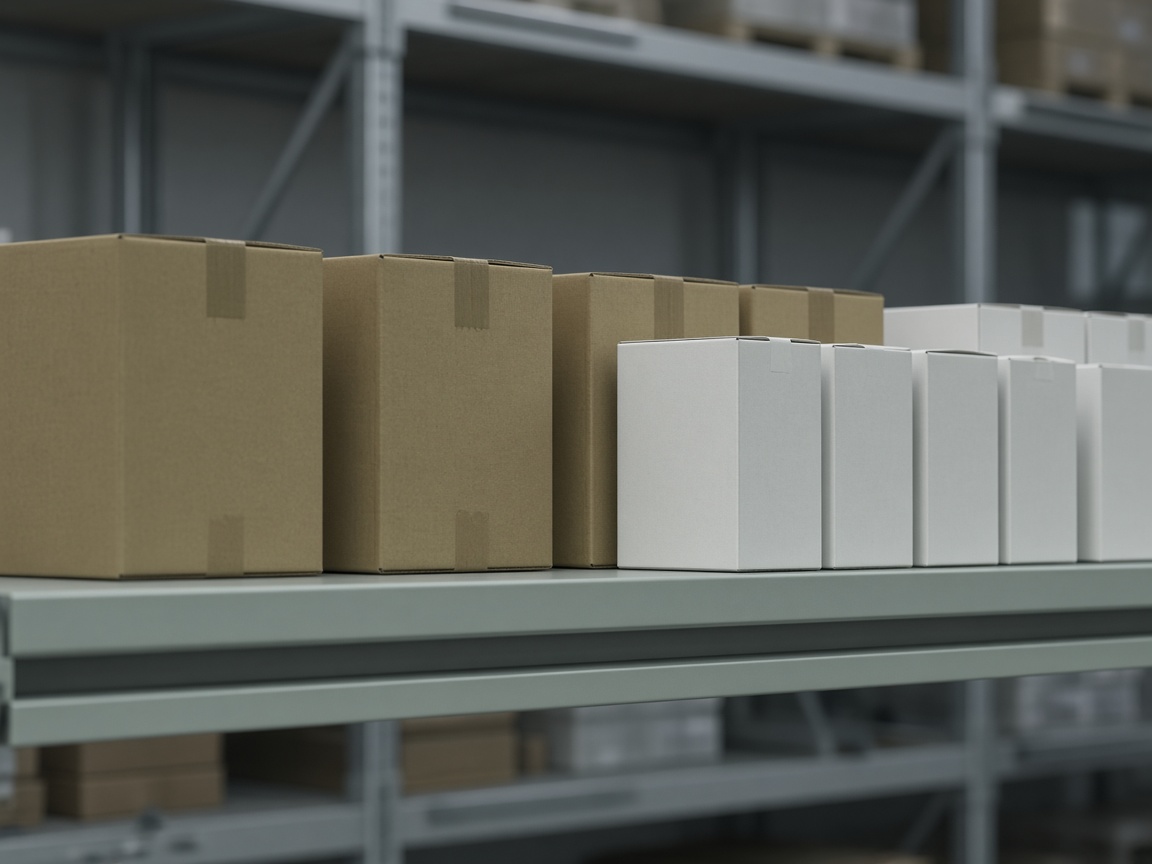
Cartons lined up on a warehouse shelf

Inventory

The count, before the aisle is empty

Every product has a place, a quantity, and a status. Low and out show up before someone walks the aisle and finds a gap.

  • In stock, low, and out, with the icon and the word together.
  • Find a product by name, SKU, or barcode.
  • A reorder line sits on the product, not in a separate spreadsheet.

A warehouse aisle between racks of stock

Sales and picking

Sell at the counter. Pick on the floor.

The cart stays put while you look up the next item. When the sale is done, the same order can go to the picking queue.

  • Scan or search, then add the line.
  • Pay is the one loud action on the counter.
  • A finished sale can become a pick without retyping it.
Warehouse racks seen from above as a grid of aisles

The floor

Racks you can see, not just a quantity

Locations are a place on the floor. Occupancy uses the same colors as stock status, so a full pocket and a low product read the same way.

  • Pockets show full, low, empty, or out.
  • Select a rack and see what is actually in it.
  • One warehouse, then the next, on the same floor.

From an empty warehouse to a working one

  1. 01

    Open the warehouse

    Create the organization and invite the people who work each floor.

  2. 02

    Receive stock

    Bring goods in against a product, a location, and a reorder line.

  3. 03

    Sell and pick

    Complete the sale, then pick, pack, and keep the count honest.